Contact center admin
“I configure twelve screens and still can’t see how an AI agent will behave.”
Needs: one visual control plane for agents, tools, queues and guardrails.
Vibe Coding · Admin experience · Independent prototype
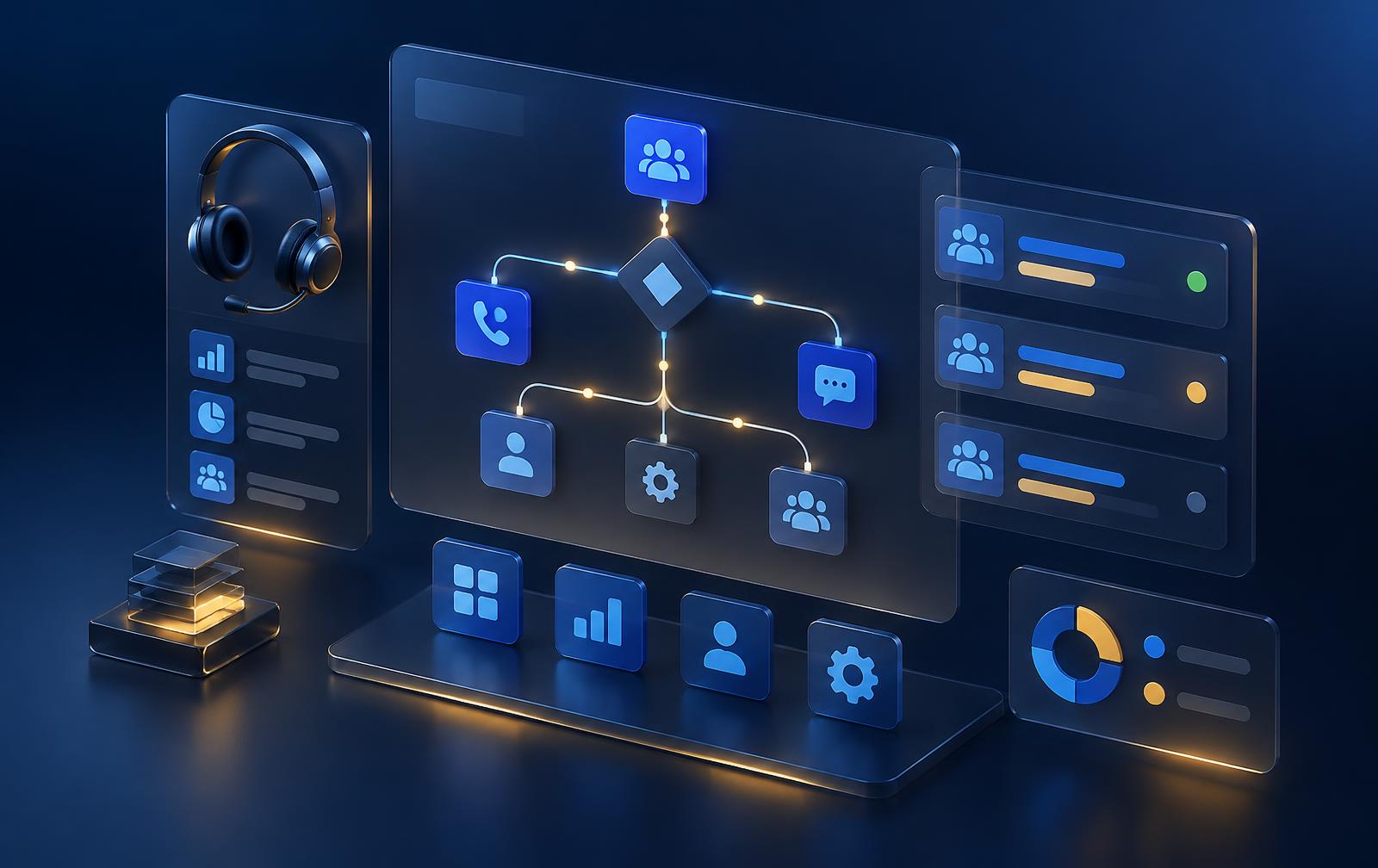
A next-generation Copilot Service admin center concept that replaces static configuration forms with a visual, node-based editor—where admins define goals, tools and guardrails, test agent behavior, and publish with confidence.
Business goal
Safe, fast adoption of AI agents
My role
Design leader who builds
Design shift
Static forms → visual agentic control plane
How it was made
Vibe coded in VS Code with AI
01 · Business problem
Contact centers are adding conversation, case, knowledge and quality agents. But the admin experience is still a stack of disconnected forms—queues here, routing there, agent settings somewhere else. Admins can’t see, test or explain how the system behaves end to end, so they hesitate to turn AI on.
02 · Who it serves
Contact center admin
“I configure twelve screens and still can’t see how an AI agent will behave.”
Needs: one visual control plane for agents, tools, queues and guardrails.
Operations & compliance lead
“I need to know why the agent did what it did—and what it’s never allowed to do.”
Needs: explainable traces and hard boundaries before anything goes live.
Customer
“I just want my issue solved, the first time.”
Needs: agents and people working together without transfers or repeat explanations.
03 · Design challenge
The experience had to make a multi-agent system visible, testable and controllable—without hiding the familiar Dynamics 365 shell admins already know.
Goal
Trust AI agents in production
Friction
Hidden dependencies · unexplainable behavior
Design
Visual graph · simulate · govern
Outcome
Confident, reversible publishing
04 · Key decisions
01
Every admin area—from users to quality management—opens as a connected graph of triggers, agents, decisions, queues and guardrails, not a static form.
02
A built-in test lab walks a scenario through the flow step by step and explains each decision, then hands the conversation to the agent workspace.
03
Copilot edits the graph in plain view. Validation blocks unsafe flows, and only a person can publish a new version.
05 · Ambiguity to clarity
Friction
Agentic AI is non-deterministic, but admin tools were built for fixed IF/THEN rules.
How I navigated it
Reframed administration around goals, tools and guardrails instead of procedural rule ladders.
Clarity
Admins govern behavior; agents handle execution.
Friction
Static mockups can’t show how a change ripples across agents, queues and people.
How I navigated it
Built a node-based visual editor in code with AI in VS Code, using real simulation and validation logic.
Clarity
Reviewers test behavior, not pictures of behavior.
Friction
Admins who own compliance distrust AI that changes production on its own.
How I navigated it
Copilot proposes changes as visible edits; validation must pass and a human publishes.
Clarity
Speed of AI, accountability of a person.
06 · Product evidence
Pick any area in the left menu, drag and connect blocks, ask Copilot to “add a guardrail”, run a test, then switch to the Customer Service workspace to see where the conversation lands.
Conversation orchestration
AI tries first, checks its own confidence, and hands over to a person when it should.
Trigger
Inbound chat
Channel: Chat
AI agent
Intent agent
Model: Copilot
Decision
Billing intent?
intent = billing
AI agent
Billing agent
Outcome: Resolve billing issues on first contact and keep the customer
Guardrail
No financial advice
Rule: Never give investment or credit advice
Decision
Confidence ≥ 0.85?
confidence >= 0.85
Action
Update case & reply
System: Dataverse
Queue
Billing queue
Capacity: 20
Outcome
Resolved by AI
Human
Representative takes over
Context: Full transcript + summary
Queue
General queue
Capacity: 30
Independent concept inspired by Microsoft Dynamics 365 visual language. Sample data; Copilot responses are scripted, not live AI.
07 · Outcome and evidence
The value is speed to evidence: stakeholders can test the agentic admin model directly instead of interpreting static screens.
Evidence
13 areas
Every admin area reimagined as a visual flow
Evidence
2 apps
Admin center and agent workspace, switchable
Intended impact
Safer AI rollout
Behavior tested and validated before publishing
Intended impact
Faster changes
One connected view instead of many forms
08 · Takeaway
“In an agentic world, admins stop wiring steps and start governing outcomes—and design leaders who build can prove it.”